PulseAudio is the default audio interface in Ubuntu. Somehow I managed to get it working with a reasonable latency (35msec — which isn't perfect, but it's a built-in Intel sound card — and no overruns).
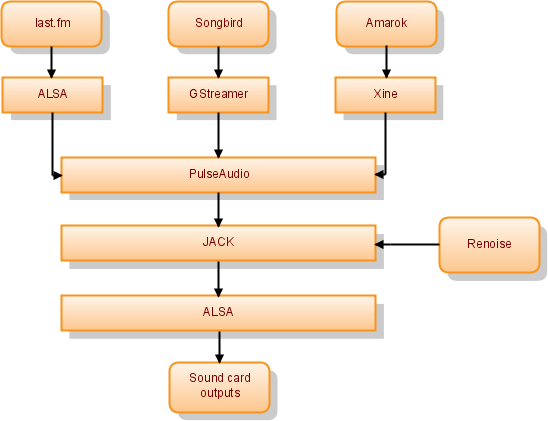
PulseAudio
pulseaudio --high-priority=1 --daemonize=1 -n -F $HOME/.jackd.pa~/.jackd.pa:
load-module module-jack-sink
load-module module-jack-source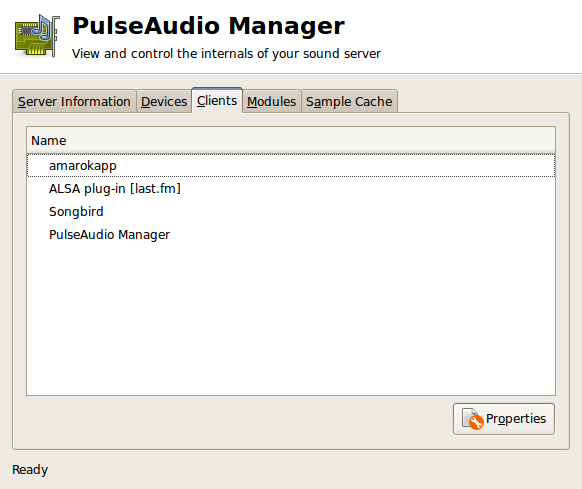
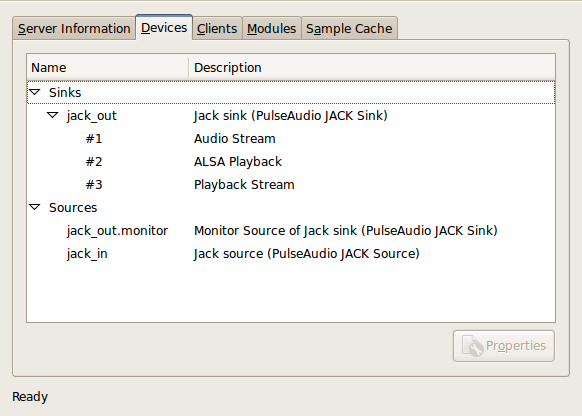
JACK
/usr/bin/jackd -R -P10 -t5000 -dalsa -dhw:0 -r44100 -p512 -n3 -mSet "Periods/Buffer" to "3" and Timeout to "5000", following the advice of a Renoise forum thread. Setting "Frames/Period" to 256 reduces the latency to 17.5msec, but is spoilt by a few occasional overruns.

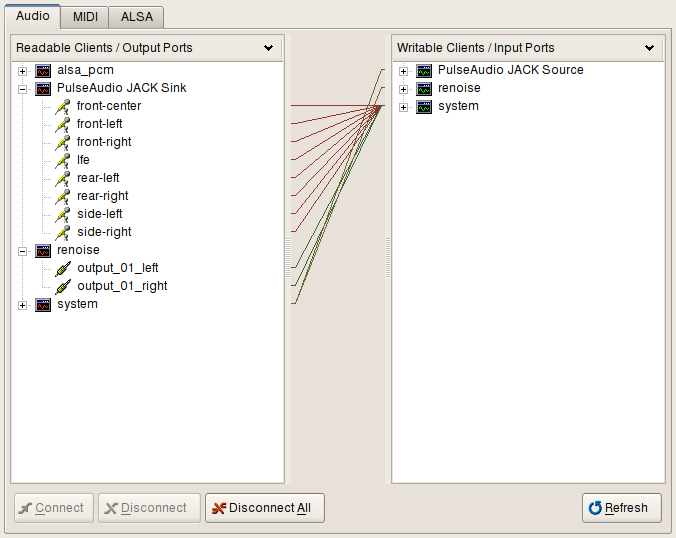
ALSA
/etc/asound.conf:pcm.pulse {
type pulse
}
ctl.pulse {
type pulse
}asoundconf set-pulseaudio
asoundconf set-default-card Intel
/etc/modprobe.d/alsa-base.conf:options snd-hda-intel position_fix=1 model=auto
Linux Realtime Kernel (linux-kernel-rt)
HDA Intel card (Realtek ALC883)
See also: JACK diagram; JACK FAQ; PulseAudio perfect setup.

RealPlayer crashes with PulseAudio, but you can run it as aoss realplay and set it to use OSS for output as a workaround.